A passkey offer after sign-in
Kyrune offers to set up a passkey after you sign in, and your account page shows your connected accounts.
A passkey offer
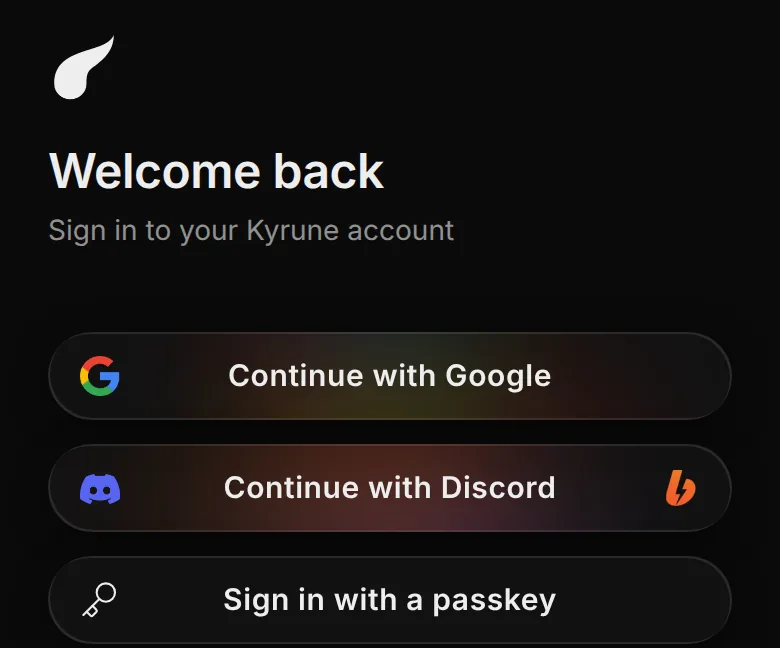
After your first sign-in on a site, Kyrune offers to set up a passkey for it, whether you signed in with a password, an email link, Google or Discord. A passkey you create or use is also marked as the way you last signed in, so it leads the sign-in page next time.
Connections on your account page
- A Connections section lists Google and Discord.
- You can link or unlink Google there. Unlinking asks first.
- While you have no passkey, the section also offers to set one up.